

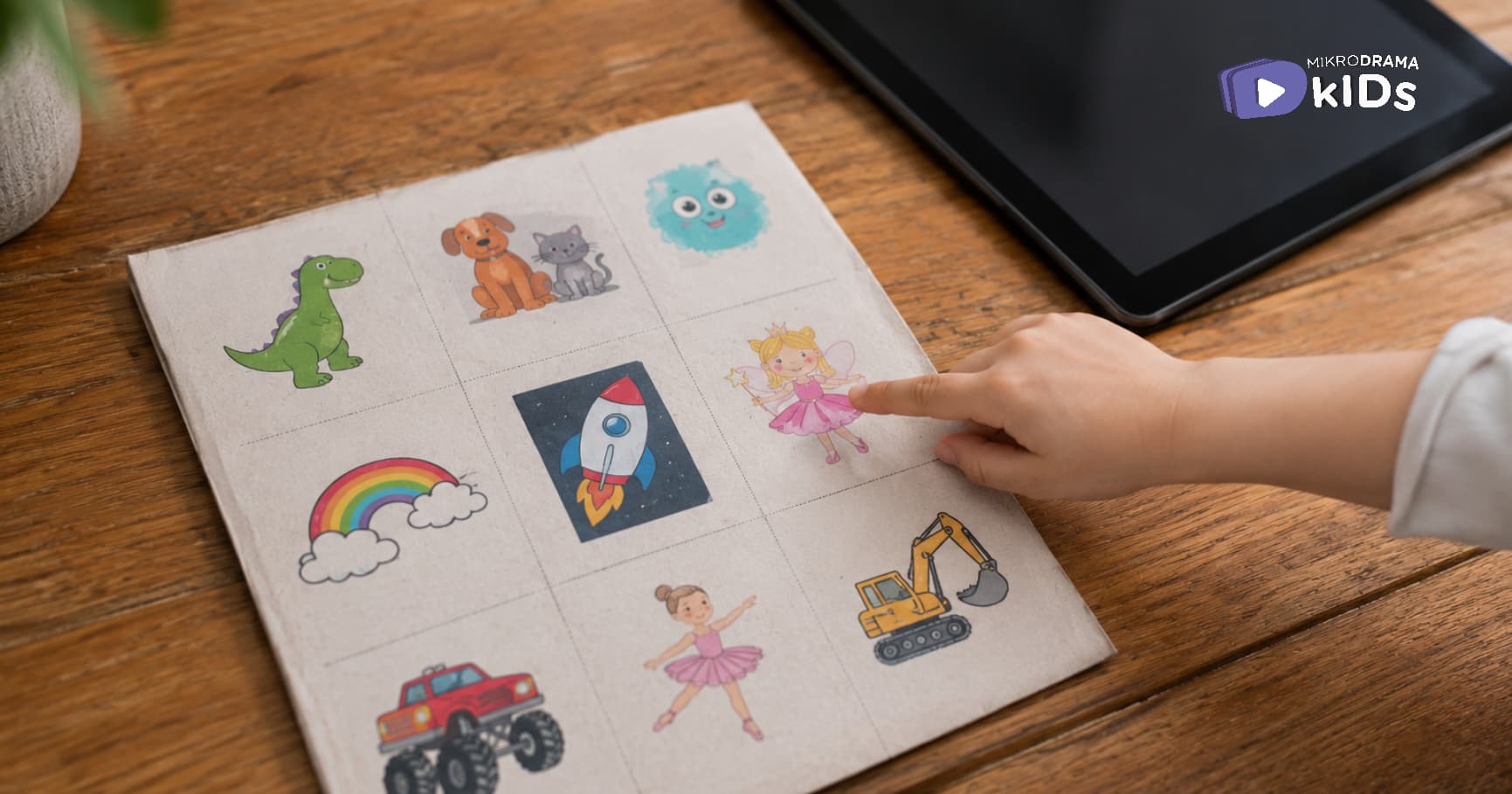
You want to give your child choices. You also don't want to negotiate every single screen session. There's a simple tool that solves both problems. It's called a screen menu.
A visual system that gives kids choices without chaos
What is a screen menu?
A screen menu is exactly what it sounds like. A visual list of approved screen options. Your child picks from the menu. No negotiating. No "can I watch this instead?" No "just one more."
Think of it like a restaurant menu. You offer the options. Your child chooses. End of discussion.
It works for toddlers. It works for teenagers. And it works wonders for reducing screen time battles.
How it works.
Here's what happens without a menu.
Your child asks for screen time. You say yes. Then they ask for a specific show. You say no. They ask why. You explain. They negotiate. You're exhausted before the tablet even turns on.
A menu removes all of that.
The options are pre-approved. The boundaries are pre-set. Your child feels in control because they get to choose. You feel in control because you made the menu.
Everyone wins.
How to make one.
It doesn't need to be fancy. Here's a simple process.
Step 1: List 5–10 approved shows, apps, or videos. Think about what you're comfortable with. Educational content. Slow-paced shows. Things with actual stories.
Step 2: Create a visual. For young children, use pictures. Print screenshots or find simple images online. For older children, a written list works fine.
Step 3: Post it somewhere visible. On the fridge. Next to the tablet charging station. On the wall near the TV.
Step 4: Establish the rules. "When screen time starts, you pick something from the menu. When your choice ends, screen time ends. Tomorrow, you can pick something new."
That's it.
Sample menu ideas.
For a toddler (ages 2–4):
1 episode of Bluey
1 episode of Daniel Tiger
10 minutes of aquarium cam on YouTube
1 short story on Mikrodrama Kids
For a preschooler (ages 4–6):
1 episode of a nature documentary
2 episodes of a slow-paced educational show
1 read-aloud book video
1 creative app (drawing or building)
For an older child (ages 6–12):
1 educational video (their choice from approved channels)
30 minutes of a curated app
1 episode of a family show you watch together
1 documentary short
The rules that make it work.
A menu without rules is just a list. Here's what you need.
No off-menu items. If it's not on the menu, it's not an option. This prevents the "but what about this show?" negotiation.
One choice per session. They pick one thing. When it ends, screen time ends. No stacking episodes.
The menu changes. Update it weekly. Add new shows. Remove ones they've outgrown. Keep it fresh.
You are the gatekeeper. The menu gives choices within boundaries. But you still decide when screen time starts and ends.
What about new shows they discover?
This is actually a feature, not a bug.
When your child asks about a new show, you have two options. Say no. Or say: "That's not on the menu right now. Let's watch it together first, and then maybe we'll add it next week."
This gives you a chance to preview content without saying no forever. And it teaches your child that new things get added thoughtfully, not impulsively.
A real example.
One mom made a screen menu with her 5-year-old. They sat down together. She printed pictures of approved shows. He helped cut them out and tape them to a piece of cardboard.
She said: "He was so proud of that menu. He kept pointing to it and saying 'I get to choose.' The arguing stopped almost immediately."
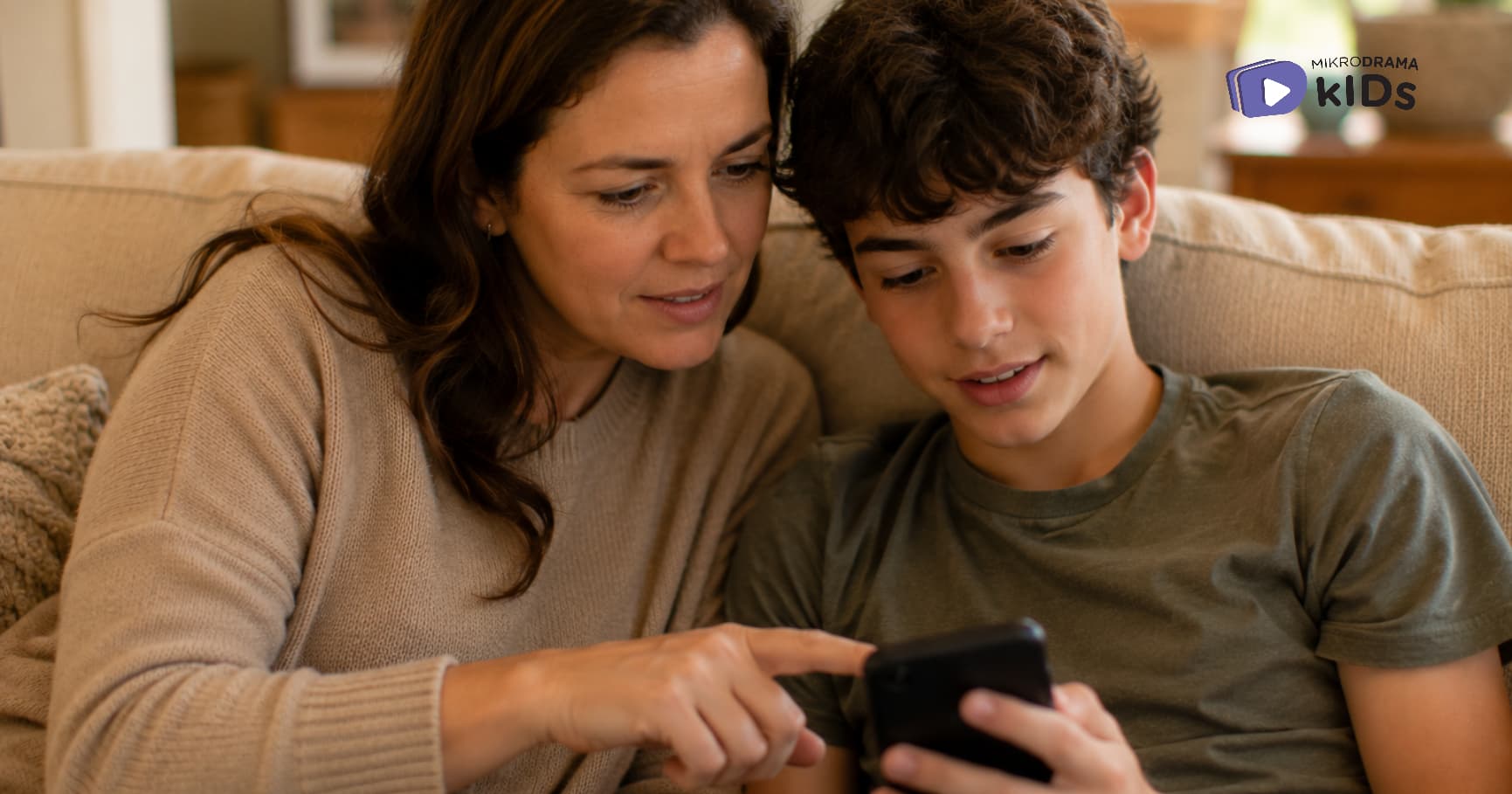
Another parent used a digital menu. She made a simple photo album on her phone with screenshots of approved shows. Her daughter scrolled through and picked one. No fighting. No tears.
Here's the truth.
The screen menu won't solve every problem. Your child might still ask for off-menu items. They might still whine when screen time ends.
But it will reduce the daily negotiations. It will give your child autonomy within clear boundaries. And it will help you feel less like a prison guard and more like a parent.
Try it for a week. Use paper and markers. Or use a notes app. It doesn't matter.
What matters is that you stop negotiating every single screen session.
You have better things to do with your energy.
About Mikrodrama Kids
Mikrodrama Kids creates short-form, story-driven content for children ages 0–12. Add our episodes to your screen menu, short enough for one sitting, rich enough to feel satisfying. No negotiation required.
Professional Disclaimer
This article offers a practical parenting strategy. Every family is different. Adapt the menu to your child's age and your family's values.
Found this helpful?
This article is intended for general informational and educational purposes only. Please read our Blog Disclaimer.
.jpg&w=3840&q=75)

.jpg&w=3840&q=75)